How I Used ChatGPT to Analyze 150 LinkedIn Posts in 3 Steps to Find if Video Content Works
Does video actually work on LinkedIn? I used AI to analyze 150 posts in 3 simple steps to find out.
If you spend any time on LinkedIn, you've probably heard the advice:
“Video is what works.”
But is that really true for everyone?
Creating video content takes more time, more effort, and often, more buy-in. So before going all in, I wanted to test it for myself. Does video actually outperform other content types on LinkedIn or does it just feel like it does?
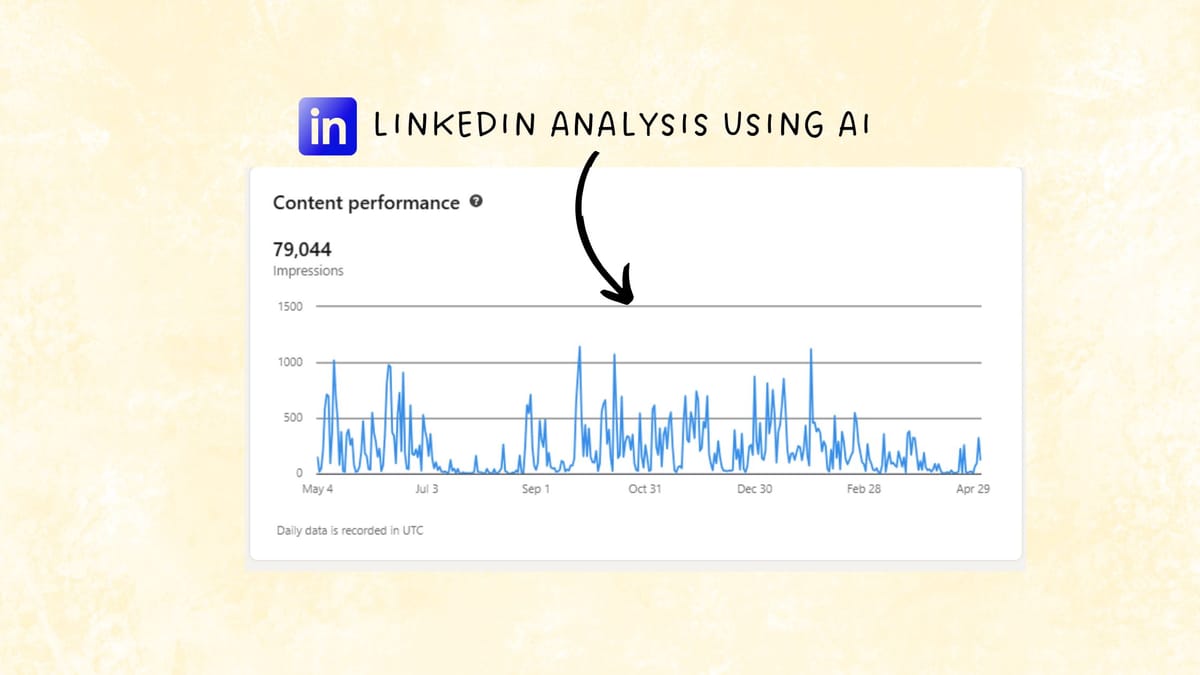
After three months of posting a mix of video and non-video content, I realized I had something valuable: a personal archive of performance data. But raw data alone doesn’t tell you much. That’s where ChatGPT came in.
With a bit of structure and the right prompts, I used AI to analyze 150 posts and uncover what truly worked—and what didn’t.
Here’s the simple, repeatable 3-step process I used.
Step 1: Structure Your Post Data for Clear Comparison
Before ChatGPT can help you, it needs something structured to work with.
I started by heading to my LinkedIn profile and exporting my post analytics. If you’re using a tool like Shield or AuthoredUp, this becomes a lot easier. These tools let you export richer datasets across longer time periods.
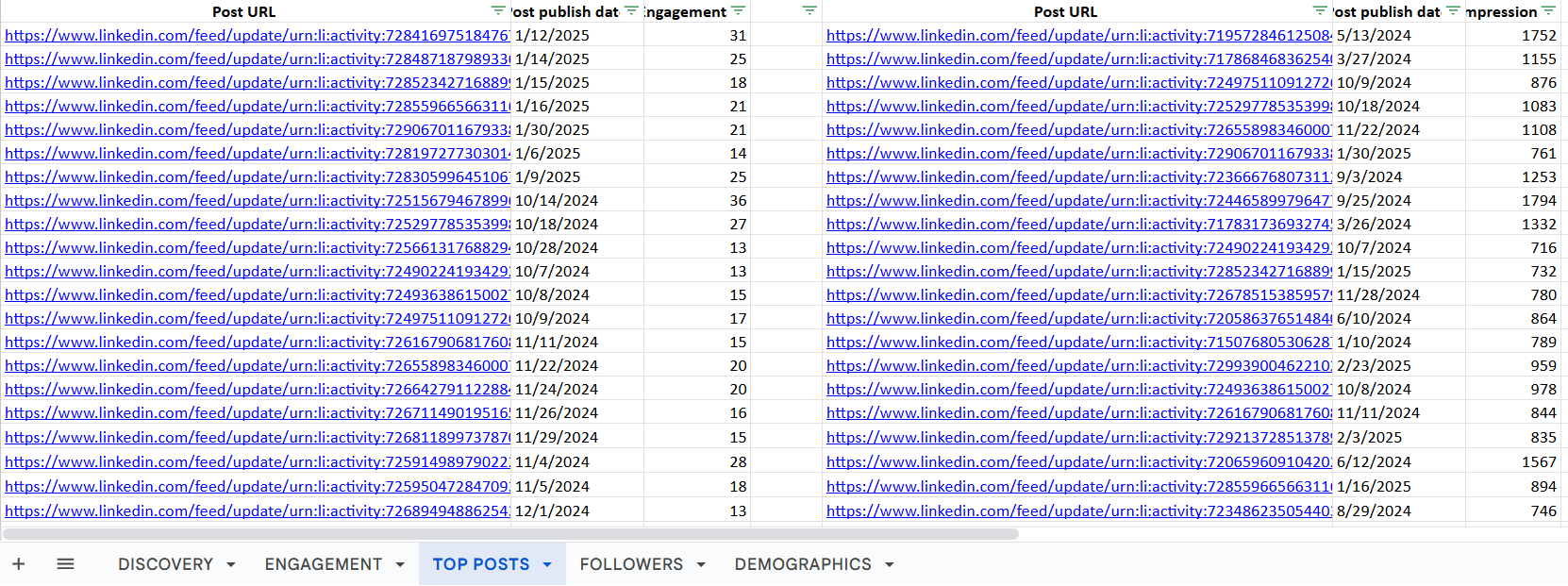
If you’re doing it manually, it’s still doable. Just more tedious.
Build a Simple Spreadsheet. The goal is to create a clean spreadsheet with all the variables you want to analyze. Here's the basic structure I used:
Columns you’ll get from LinkedIn (or a tool like Shield):
- Post Date
- Impressions
- Reactions
- Comments
- Shares
Columns you need to add manually:
- Format (video, text, image, carousel)
- Topic or Theme (e.g. product insight, personal story, framework)
- Hook strength (optional but helpful)
- CTA type (engagement-focused, conversion-focused, etc.)
I manually reviewed each post to tag its format and theme. Yes, it took time—but this step is critical. Without clean inputs, you won’t get useful outputs.
Once you have your spreadsheet, you’re ready for the fun part: pattern recognition.
Step 2: Use ChatGPT to Surface Performance Patterns
Now that your content is structured, you can upload it into ChatGPT for analysis.
Here’s the key: You’re not just looking for the most liked post. You want to identify patterns—what types of content, formats, and timing consistently outperform others.
Performance Angles to Explore
I used prompts like:
- Engagement Efficiency:
“Which format gets the highest reactions or comments per impression?” - Format vs. Objective:
“Do videos result in more reach while text posts drive more conversation?” - Topic + Format Match:
“Are personal stories better suited to video or text?” - Timing Sensitivity:
“Does performance vary by time-of-day or day-of-week, especially for video?”
These prompts helped me move beyond vanity metrics and into real performance signals. I even asked:
“What are the most common traits of my top-performing videos?”
ChatGPT identified patterns I hadn’t noticed—like how videos with a strong opening line, personal tone, or a clear takeaway performed far better than ones without.
Here’s a specific example:
I thought my short, 30-second “talking head” videos would work well. They didn’t. Why? ChatGPT pointed out they lacked hooks, substance, and audience relevance compared to other formats.
Step 3: Translate Insights Into Actionable Tests
Now it’s time to use your AI findings to improve your content strategy.
Here’s how I turned my analysis into actionable improvement steps:
1/Generate Better Content Ideas
I asked ChatGPT:
“Based on the top-performing video themes, what other similar ideas could I try?”
It gave me a list of 10 ideas—from different angles on personal stories to repurposing frameworks in visual formats. I had a full 2-week content pipeline planned within minutes.
2/Improve Underperforming Posts
I took a few posts that flopped and asked:
“Why might this video have underperformed—and how can I improve it?”
ChatGPT pointed out issues like weak intros, lack of clarity, or vague calls to action. This helped me refine not just the message, but the delivery style.
3/ Build a Testing Framework
Instead of guessing what to post next, You can create a 2-week testing plan based on the traits of your best-performing content. For example your plan included:
- Posting video content only during peak engagement hours.
- Focusing on frameworks, walkthroughs, and personal insight videos.
By systematizing what worked, I could double down with confidence and skip formats that didn’t deliver.
So Does Video Content Really Work? Here's What I Learned from Analyzing 150 Posts
My top takeaway from this:
Video Drives Higher Engagement:
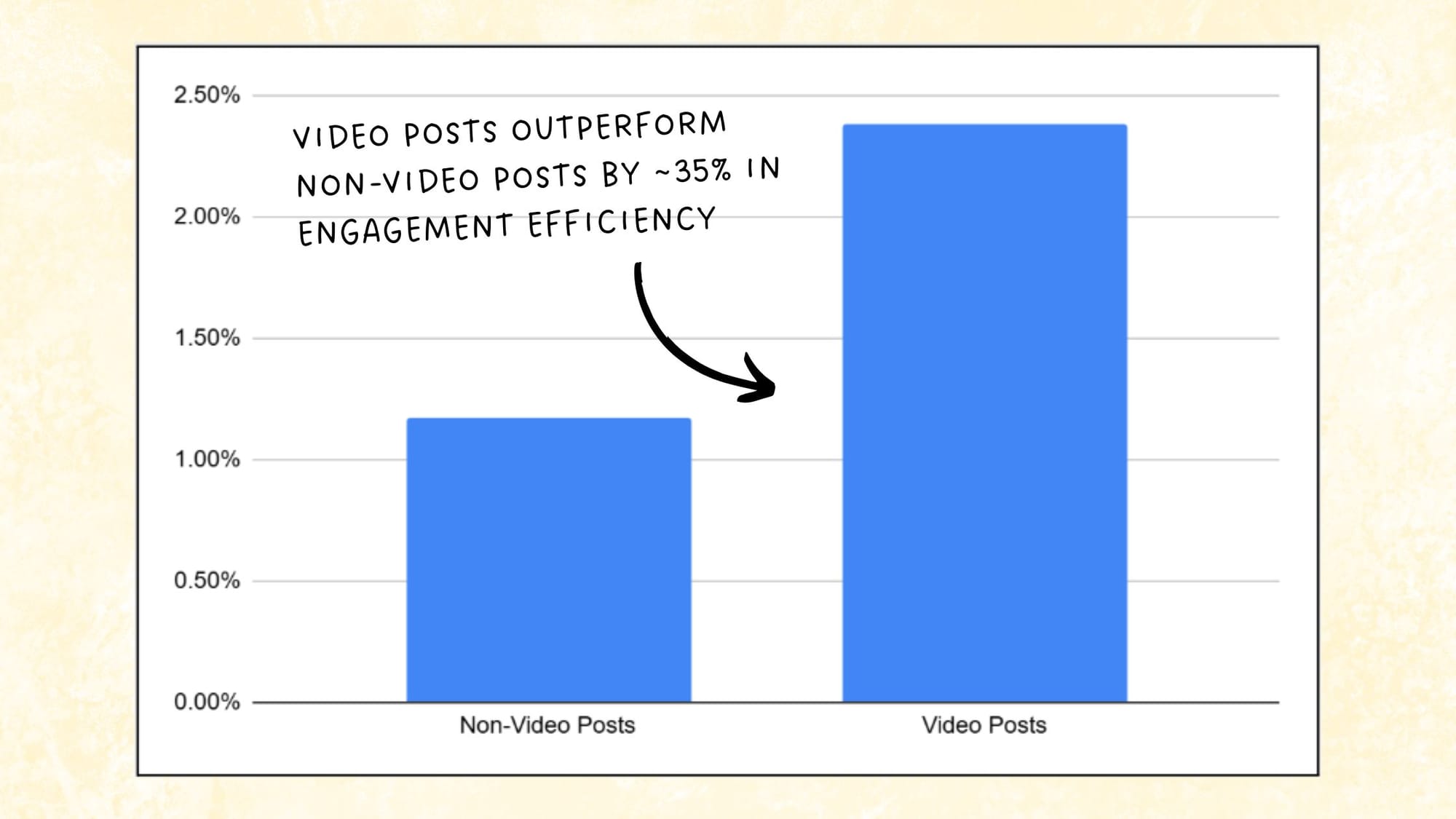
Video posts achieved an average engagement rate of 1.15%, outperforming non-video posts (0.85%) by approximately 35%.
This process didn’t just validate whether video content works. It gave me a blueprint to refine my content strategy with precision.
If you’re regularly posting on LinkedIn, you’re already generating valuable performance data—you just may not be using it yet.
With a structured spreadsheet, a few thoughtful prompts, and AI-powered analysis, you can uncover which formats, themes, and styles are truly driving impact for your audience.
So next time someone says, “Video works,” take a step back.
It might. But it’s worth checking your own data to be sure.